
After you buy it
BeamNG PS5 Guide for the First Week
Last verified: October 24, 2026. BeamNG — v0.40 devblog, 19 October 2026
Start with the First Drive tutorial. It covers recovery, assists, spawning, customising, the radial menu, the map, and challenges. Then pick Career if you want a garage loop, or freeroam if you want to crash things. Scenarios and time trials are the structured shortcuts.
| Onboarding | First Drive tutorial |
|---|---|
| Activities | Career, Freeroam, Scenarios, and Time Trials |
| Controller setup | Remapping confirmed by the store |
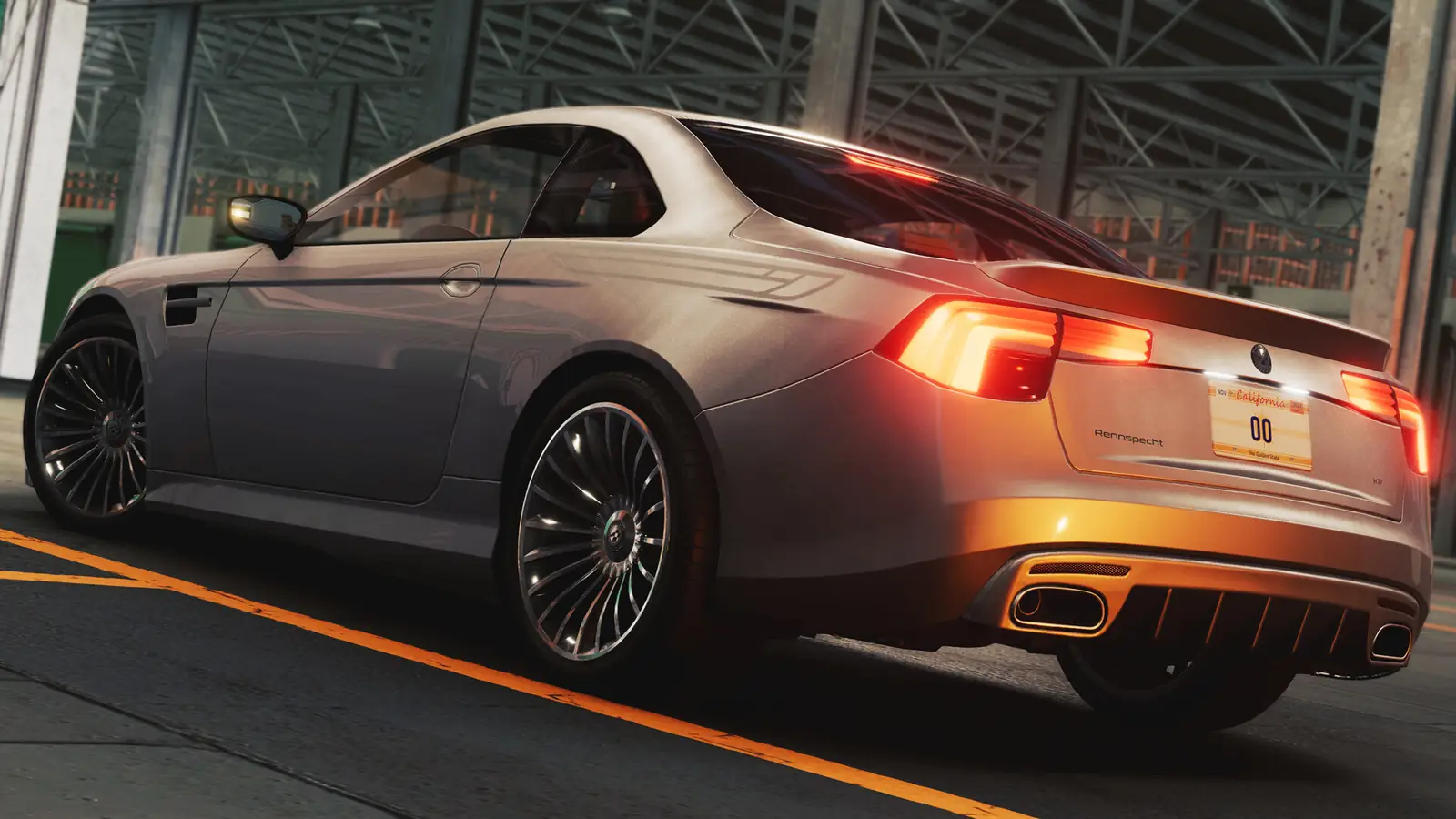
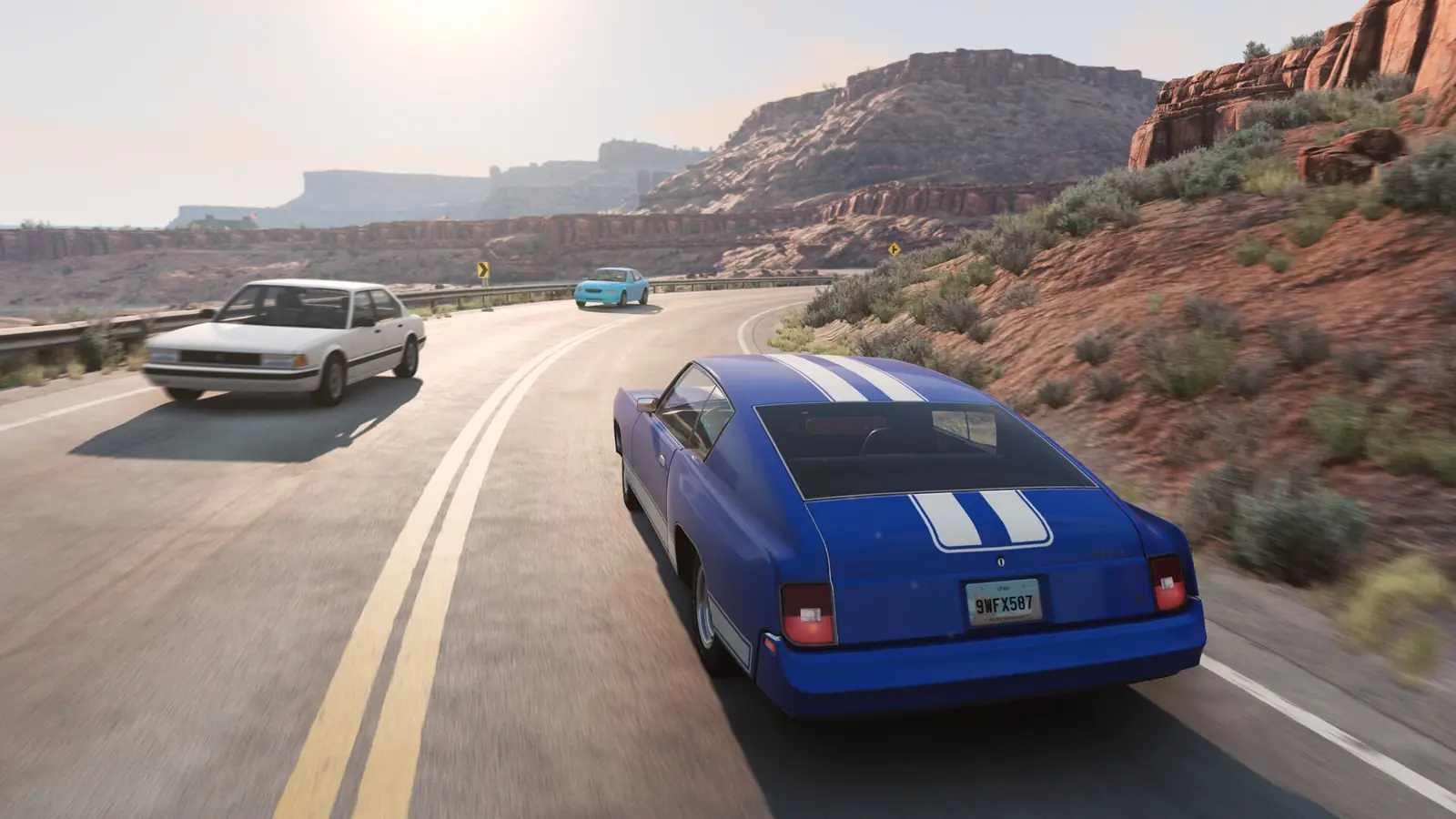
The suggested starting order follows BeamNG’s First Drive description: learn recovery and assists, then try freeroam or a structured mode. This is source-based onboarding advice, not a personal first-boot diary. Console-only button paths are left unspecified where they have not been verified.
What should I do first?
The v0.40 devblog describes First Drive as the onboarding: recovery, assists, spawning, customising, interactions, the radial menu, the map, challenges, and the environment. Completing it first is a suggested learning order, not a claim of a tested console walkthrough.
After that, the modes on the game page are Campaigns, Scenarios, Time Trials, and Freeroam, plus Career Mode from the press release. The store confirms controller remapping. The shared known-issues page also discusses PlayStation controllers used on PC; those entries must not be treated as verified PS5 console faults.
What did the first hotfixes change for players?
v0.40.1 on 20 October fixed a PS5 UI crash when many images were open and a split-screen settings hang, plus Career tutorial popups. v0.40.2 on 22 October made part-selector search usable from a controller and raised Career autosaves from 2 to 4. v0.40.3 the same day fixed Career save progress. If something you saw on launch day is gone, it may already be one of those notes.
Keep reading
Questions
I am bored. What is there to do?
Freeroam challenges, time trials, scenarios, Career, and the seven split-screen modes. The career guide separates confirmed modes from unverified mission and reward details.
Where is photo mode?
Photomode exists. v0.40.3 added upscaling info there. I do not have a verified button path for “flash mode,” so I am not inventing a stick combo.
How do I get more traffic?
An exact PS5 traffic cap and a console slider path are not verified here. The official low-performance warning is a reason not to keep adding vehicles when the game is already struggling.
Are PC PlayStation-controller fixes valid on PS5?
Not automatically. Steam Input and G HUB instructions concern PC use. PS5 system buttons are not evidence of a broken in-game controller; use the console’s own help and the game’s supported bindings.
Should I play Career or freeroam?
Career if you want a broke-start garage. Freeroam if you want crashes without a money loop. Both are on PS5.
Where are the deep settings?
Controller, wheels, and triggers are on the controller page. Frame rate and PS5 Pro are on the performance page.
Sources
- BeamNG — v0.40 devblog, 19 October 2026
- BeamNG — game page
- PlayStation Store — BeamNG.drive (US), captured 24 October 2026
- BeamNG — known issues
- BeamNG — PS5 launch press release, 19 October 2026
- BeamNG — v0.40.1 notes, 20 October 2026
- BeamNG — v0.40.2 notes, 22 October 2026
- BeamNG — v0.40.3 notes, 22 October 2026